



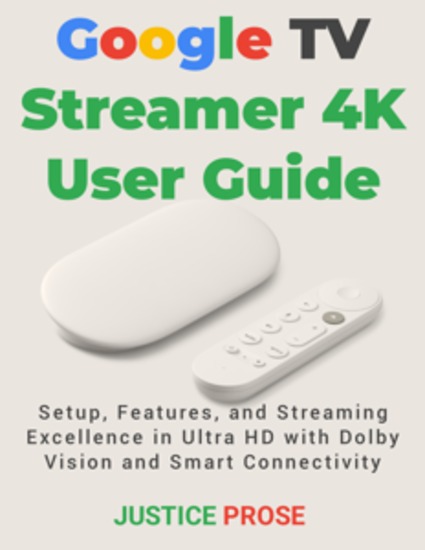
Google TV Streamer 4K User Guide - Setup Features and Streaming Excellence in Ultra HD with Dolby Vision and Smart Connectivity
PROSE JUSTICE
Publisher: BookRix
Summary
📺 Unlock the full power of your Google TV Streamer 4K and transform your TV viewing experience with ease! Are you overwhelmed by complicated streaming devices and endless settings? Do you want to enjoy breathtaking 4K Ultra HD content with stunning Dolby Vision but don’t know where to start? This comprehensive user guide is your step-by-step companion to mastering the Google TV Streamer 4K — no technical jargon, just clear, actionable advice. Google TV Streamer 4K User Guide: Setup, Features, and Streaming Excellence in Ultra HD with Dolby Vision and Smart Connectivity is designed for everyone—from beginners just unboxing their device to experienced users looking to unlock advanced features. 📚 Inside, you’ll find: 🚀 Simple, straightforward setup instructions so you can get streaming in minutes. 🚀 Full breakdowns of key features like Dolby Vision HDR, voice remote controls, and smart home integrations. 🚀 Easy navigation of the Google TV interface with tips on personalizing your profiles and content recommendations. 🚀 Advanced guidance on optimizing 4K streaming quality, improving internet speed, and enhancing audio with external devices. 🚀 Practical troubleshooting advice to resolve common issues quickly and confidently. 🚀 Pro tips, hidden shortcuts, and expert strategies that save you time and maximize enjoyment. This guide covers everything you need to know in a friendly, step-by-step manner that makes technology approachable and fun. Whether you want to stream your favorite shows flawlessly, control smart devices with your voice, or customize every aspect of your viewing experience, this book has you covered. 🔥 Don’t let confusion or frustration hold you back from experiencing your Google TV Streamer 4K at its best. 👉 Grab your copy today and start enjoying streaming excellence in stunning Ultra HD with Dolby Vision and seamless smart connectivity!
Available since: 01/16/2026.