



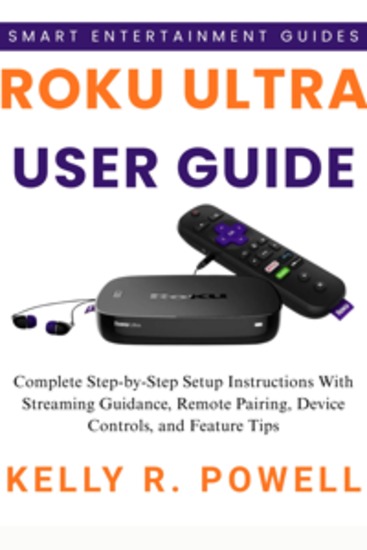
Roku Ultra User Guide - Complete Step-by-Step Setup Instructions With Streaming Guidance Remote Pairing Device Controls and Feature Tips
POWELL KELLY R.
Editorial: BookRix
Sinopsis
🔥 Make Your Roku Ultra Simple and PowerfulIf the Roku Ultra feels confusing, this guide shows you how to set it up, customize it, and stream smoothly — even if you're not tech-savvy.You’ll learn the essential steps, helpful tips, and hidden features that make your streaming faster, clearer, and easier to control.📚 WHAT YOU WILL LEARN:🚀 Set up your Roku Ultra from scratch. 🚀 Connect it to your TV correctly. 🚀 Install and organize streaming apps. 🚀 Navigate menus and the home screen easily. 🚀 Use and customize the Voice Remote Pro. 🚀 Control your device with hands-free voice commands. 🚀 Enable 4K, HDR, and Dolby features. 🚀 Boost Wi-Fi or use Ethernet for smooth streaming. 🚀 Use private listening with Bluetooth headphones. 🚀 Customize themes, screensavers, and accessibility. 🚀 Use shortcuts and hidden remote features. 🚀 Set parental controls and manage purchases. 🚀 Play media through USB and adjust advanced settings. 🚀 Fix slow apps, freezing, and network issues. 🚀 Improve performance with quick optimizations. 🚀 Connect smart home devices. 🚀 Troubleshoot remote, audio, and startup problems. 🚀 Reset safely when needed. This guide gives you clarity, control, and confidence — no tech skills required.✨ Start your best streaming experience today. Get your copy now!DISCLAIMER: This book is an independent publication and is not affiliated with Roku Inc.
Disponible desde: 22/01/2026.